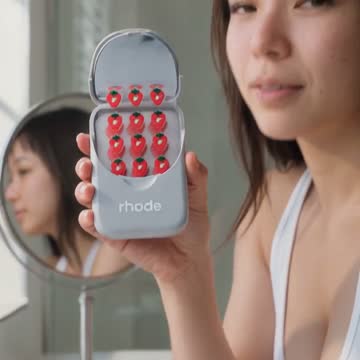
Product videos from the photos you already have.

Connect your Shopify store and pick a product. Clip Mochi turns the photos on its listing into a short video that looks like someone filmed it. You watch it, change what you want in plain words, and publish it to the product page.

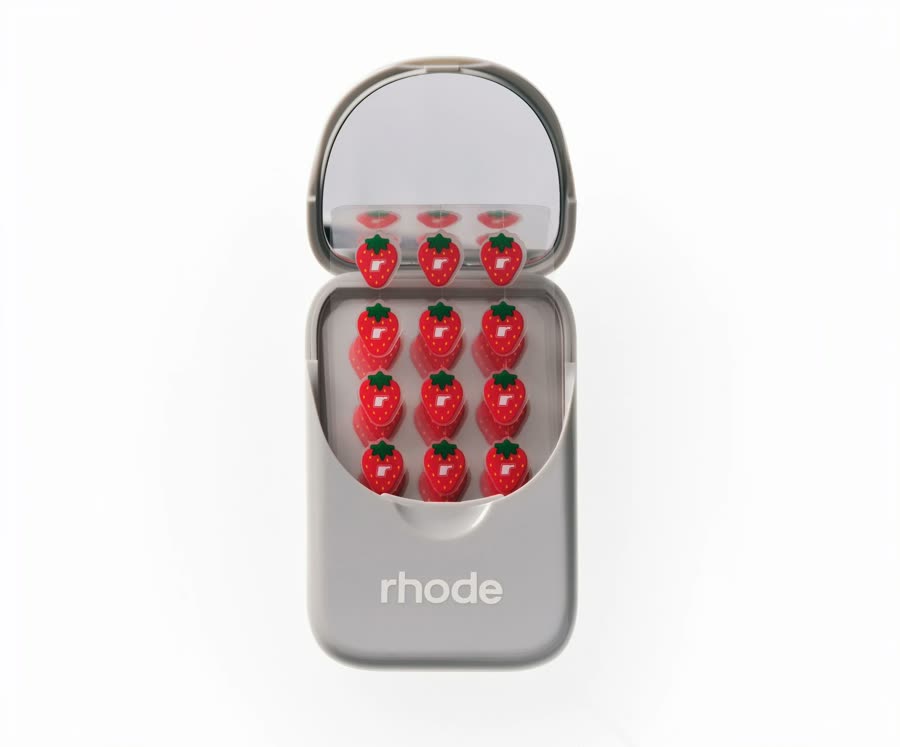
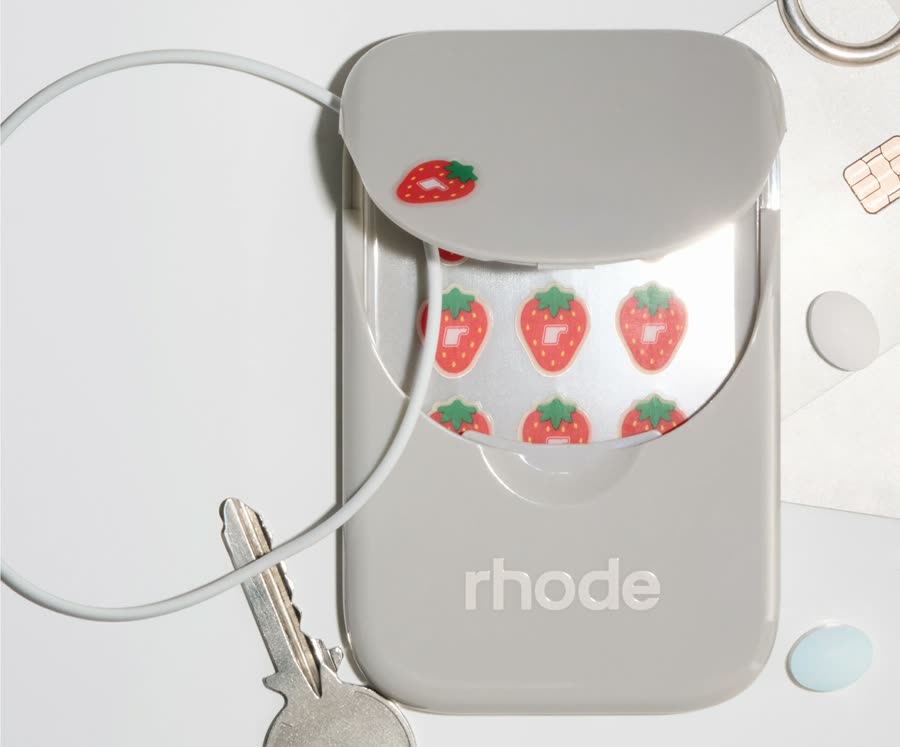
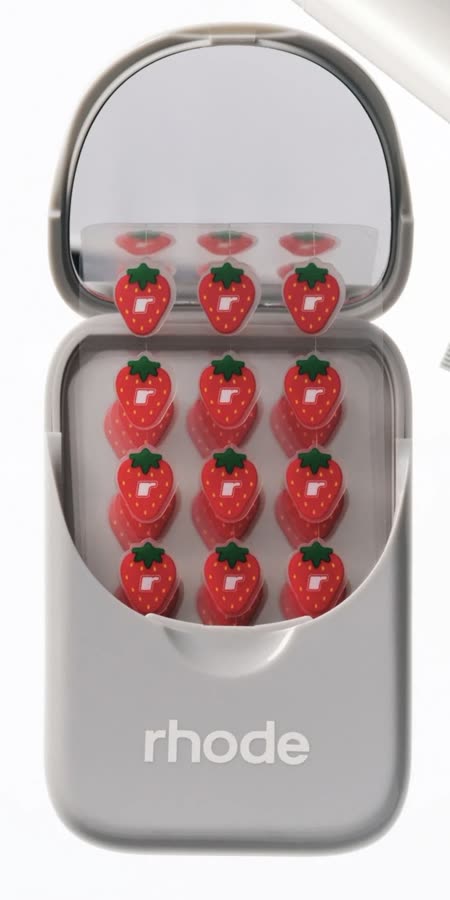
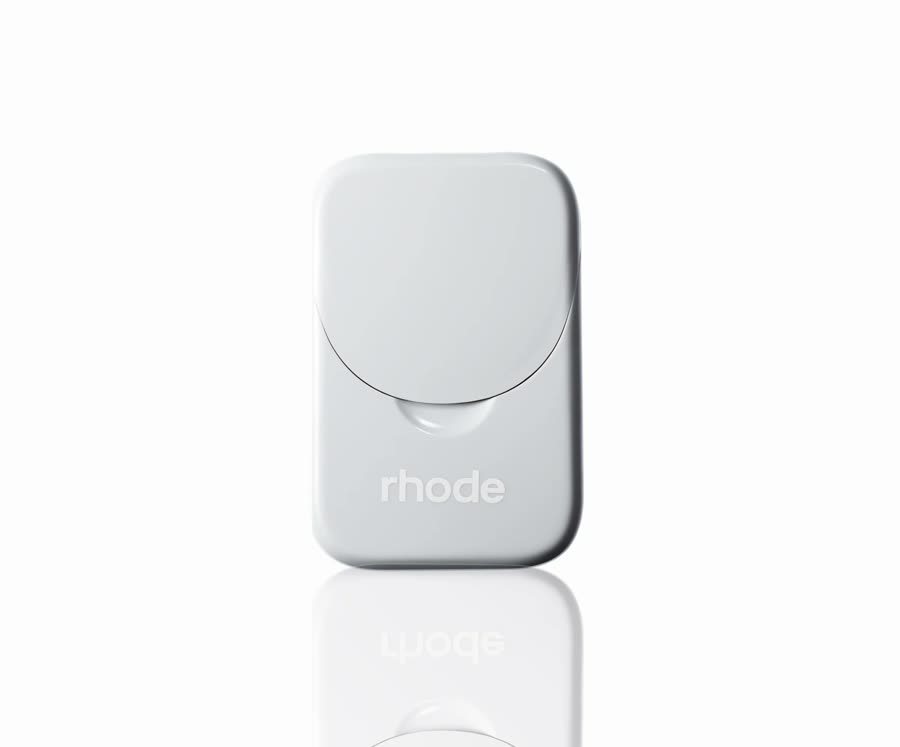
The lip case open, showing its strawberry patches The lip case closed, front view The lip case open on a white background The lip case clipped to a key ring
In: the 4 photos on the listing
Out: an 8-second video

How a listing becomes a video

  1. It starts with the listing you already have.

    A lip case with four photos, the same ones shoppers see today. You pick which photos Mochi may use.

  2. Mochi reads the photos and plans the scenes.

    Where would someone use this? On a vanity, at the bathroom mirror. Each scene gets a plain name, and you never write a prompt.

  3. Then Mochi films each scene.

    Every clip starts from your photos, so the case keeps its shape, colour and lettering. It usually takes a few minutes.

  4. You keep the clips you like, and they’re cut into one video.

    Want it brighter, or the back shown? Pick a change or say it in your own words.

  5. Publish, and it’s on the product page.

    The video goes into the product’s media gallery, next to your photos. Nothing goes live until you press Publish.
The lip case openThe lip case closedThe lip case open on whiteThe lip case on a key ring
The listing’s 4 photos
Clip: picked up off the vanityClip: opened to the strawberriesClip: held up at the mirror
3 filmed clips

Worn by a model, or used in a real place.

Your photos 4

The lip case open, showing its strawberry patches The lip case closed The lip case open on white The lip case on a key ring

The video 8 seconds

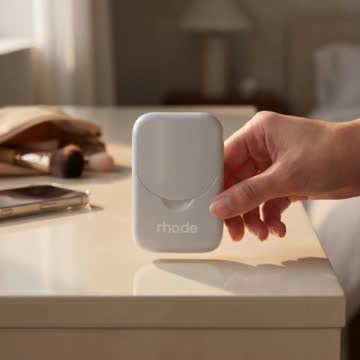
A hand picks the case up off a vanity, it opens to the strawberries, and a woman holds it up at the mirror.

These are test products from our own runs, not customer stores. Each video is shown as Clip Mochi made it, compressed for the web.

Made to look like someone filmed it.

Mochi aims for the video a friend with a good phone would take: an ordinary room, daylight and a steady hand.

Familiar places
Vanities, bathroom mirrors and bright rooms, so shoppers look at the product instead of hunting for what looks fake.
Your product, as you photographed it
Every shot starts from your photos and is checked against them, so the shape, colour and lettering stay the same from the first frame to the last.
Nothing to learn about AI
No model names, settings or prompt writing. You see the video and a few plain choices. If you want something specific, say it in your own words.

Questions

What photos do I need?

The ones already on your product listing. One photo is enough to start. More angles help, because Mochi only shows the sides of your product that your photos show. A photo that is too small to look sharp in a video gets flagged so you can swap it.

How long does a video take?

A few minutes, usually between 3 and 15. You can leave the page and come back to your clips.

Will it change my product?

It shouldn’t. Every shot starts from your photos and is checked against them before you see it. A clip that doesn’t pass is marked so you know to look closely. You still review everything before it goes live.

Does it work for clothing?

Yes. Clothing is filmed on one of our house models, in a pose you choose. Everything else is filmed being used in a real setting.

Where does the video go?

Into your product’s media gallery in Shopify, in the shape your store shows product media, once you press Publish. You can also download it.

Which stores does it work with?

Shopify, for now.

How much does it cost?

Pricing isn’t set yet. Waitlist members will hear it first.

Give every product a video.

We’re opening Clip Mochi to Shopify stores a few at a time. Leave your email and we’ll tell you when it’s your turn.